NBD-OM-001 · section 2
Envelope
The building: its walls, its perimeter, its doors, and what to do if someone is inside it.
Revision 0 (draft01) · published 2026-09-29 04:03-07:00 · source ff3c1ff
2.1 Building description
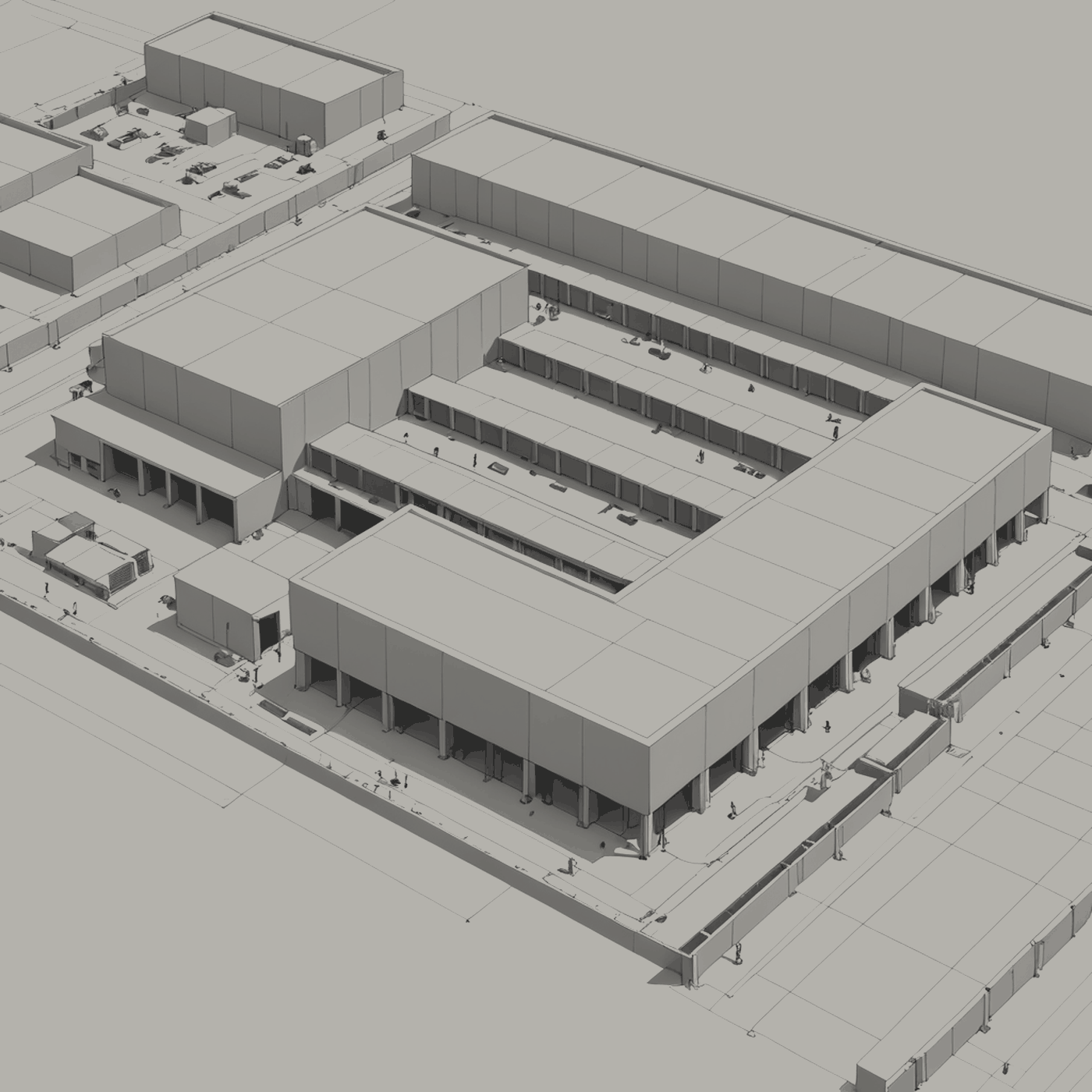
The building is a sealed volume. Its walls are insulated panels without windows. Its roof carries plant and nothing else. It has no front, because nothing approaches it from any particular side.
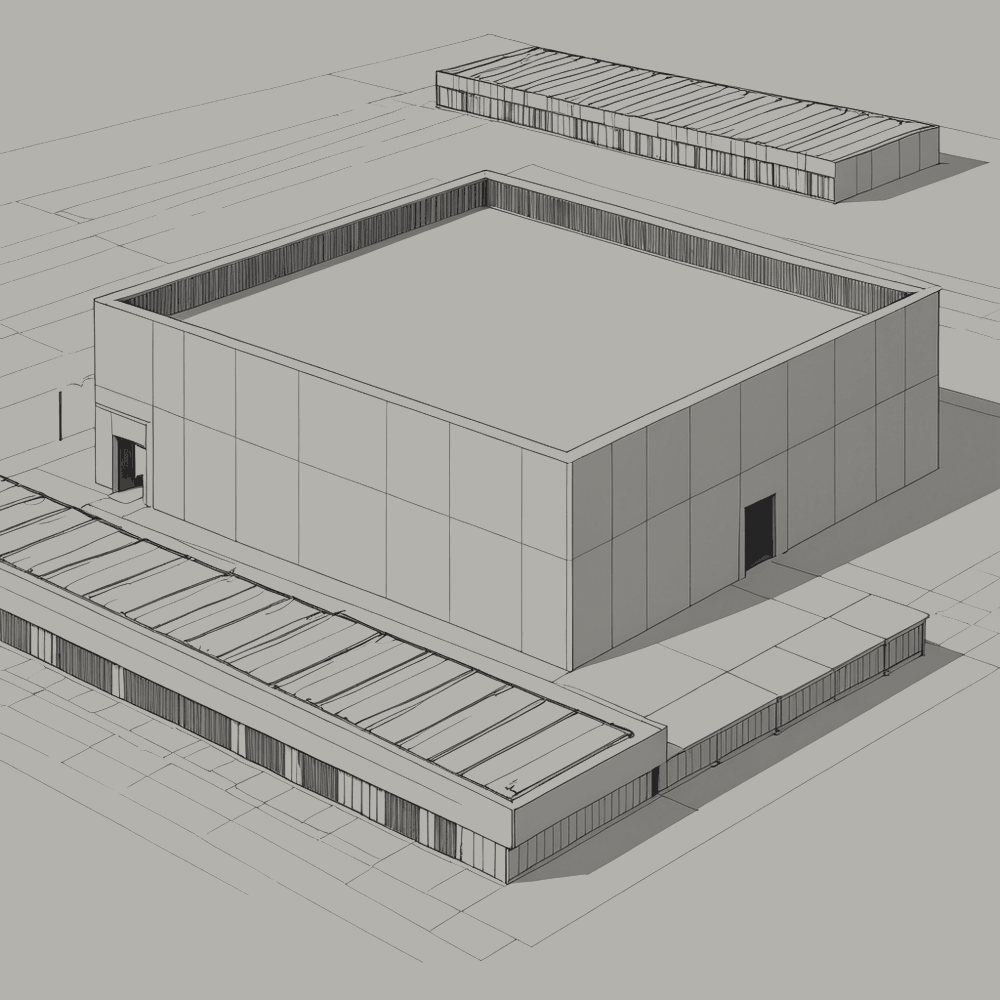
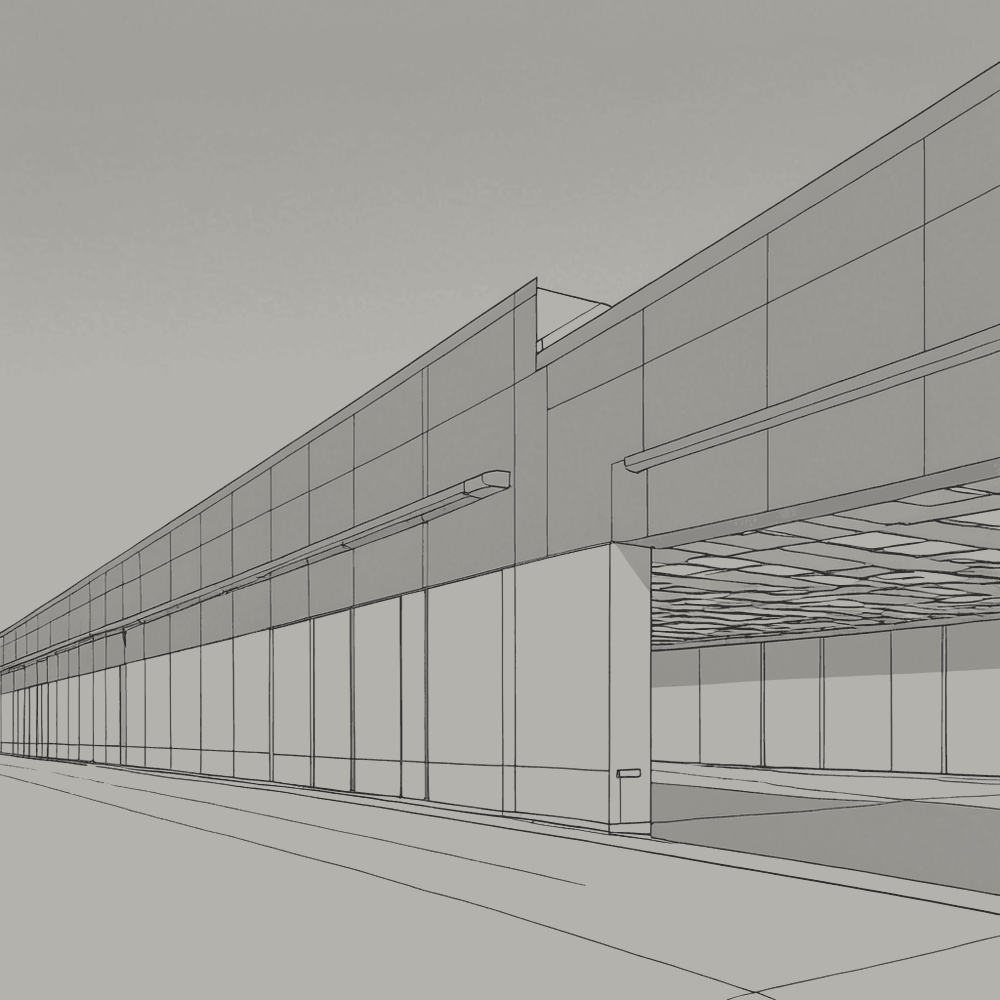
The building has been recorded from several positions, reproduced below as reference drawings. None of those positions is occupied. The drawings differ in the direction of view. Where a drawing names a setting, the setting is left out; the building does not change with it.
| Element | Specification |
|---|---|
| Walls | Insulated metal panel, no openings above ground level |
| Roof | Membrane on deck; plant platforms; no access hatch in normal use |
| Windows | None |
| Signage | Designation only, at the gate (see 1.7) |
| Colour | Selected to be unremarkable |
2.2 Setting
The building does not respond to its setting. Where the ground is farmland, it stands in farmland; where the ground is coast, it stands at the coast. It is the same building in both.
2.3 Perimeter
The site is enclosed by a fence of the standard height for a facility of this class. It is monitored by cameras at regular intervals along its length. The cameras record continuously. The recordings are reviewed by the facility, which finds nothing, and are retained for the statutory period, after which they are deleted without having been watched by anyone.
The perimeter does not keep people out so much as record that they are not there.
2.4 Entry
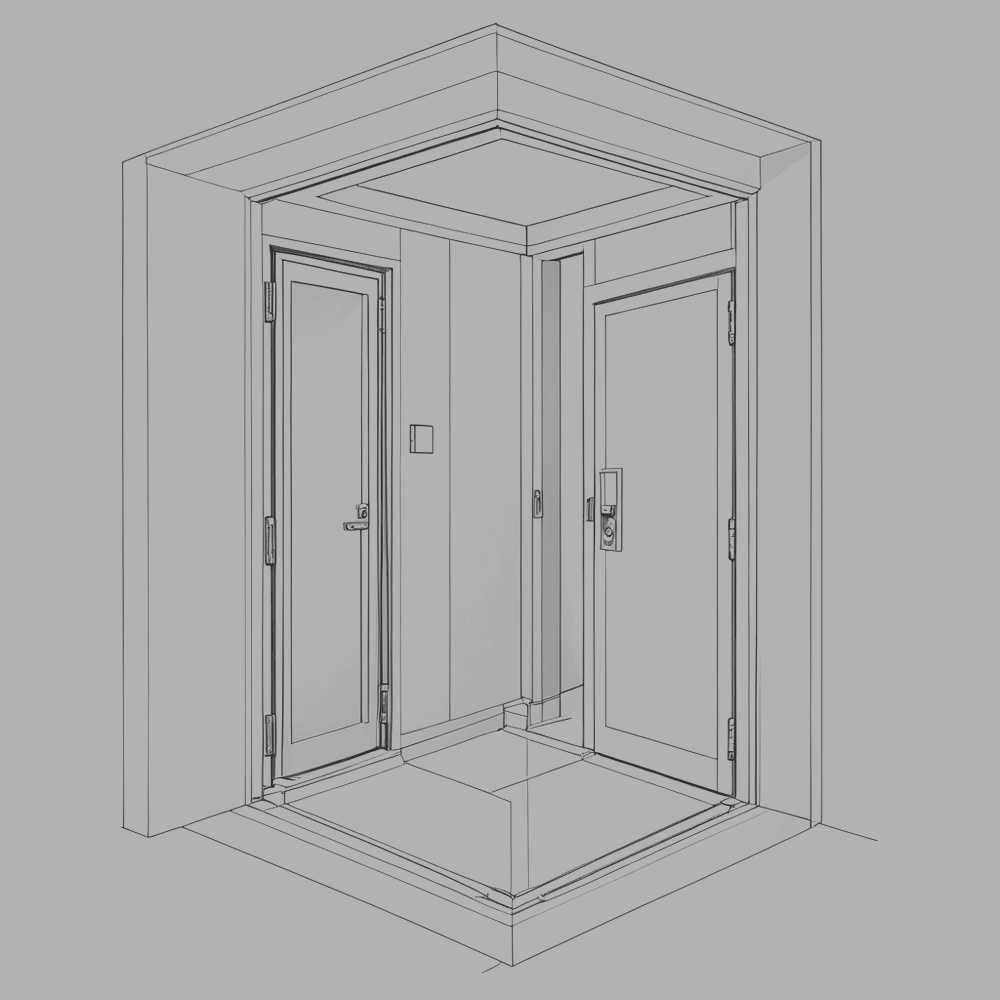
The building has personnel doors because building codes require them. Each opens into a security vestibule: a small room with two doors, only one of which may be open at a time. A person entering is held between them while their credentials are checked.
No credentials have been issued.
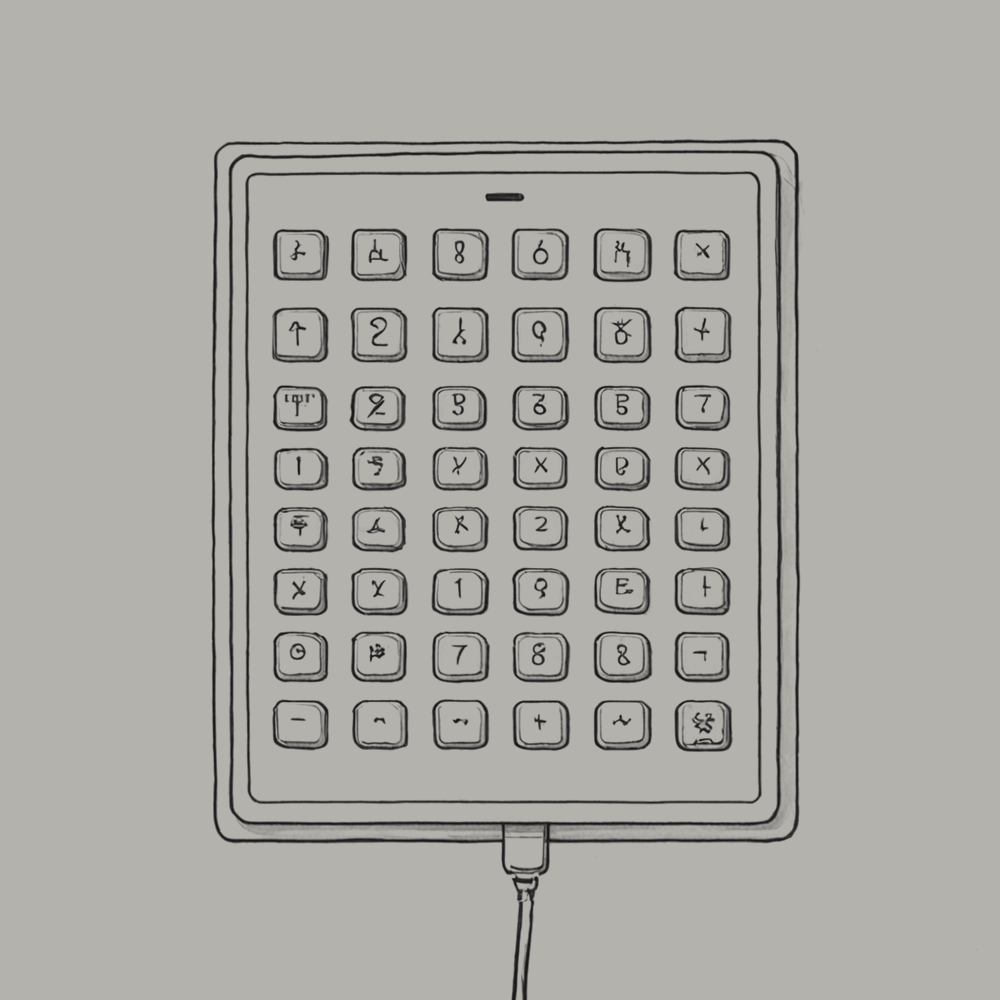
Procedure 2.4-1, Entry to the building:
- Present credentials at the outer door.
- Enter the vestibule. Wait for the outer door to close behind you.
- Present credentials at the inner door.
- The inner door does not open. No credentials are valid. Return by the outer door.
| performed by | verified by | date | signature |
|---|---|---|---|
Sign-off fields are provided for regulatory form. No entry is expected.
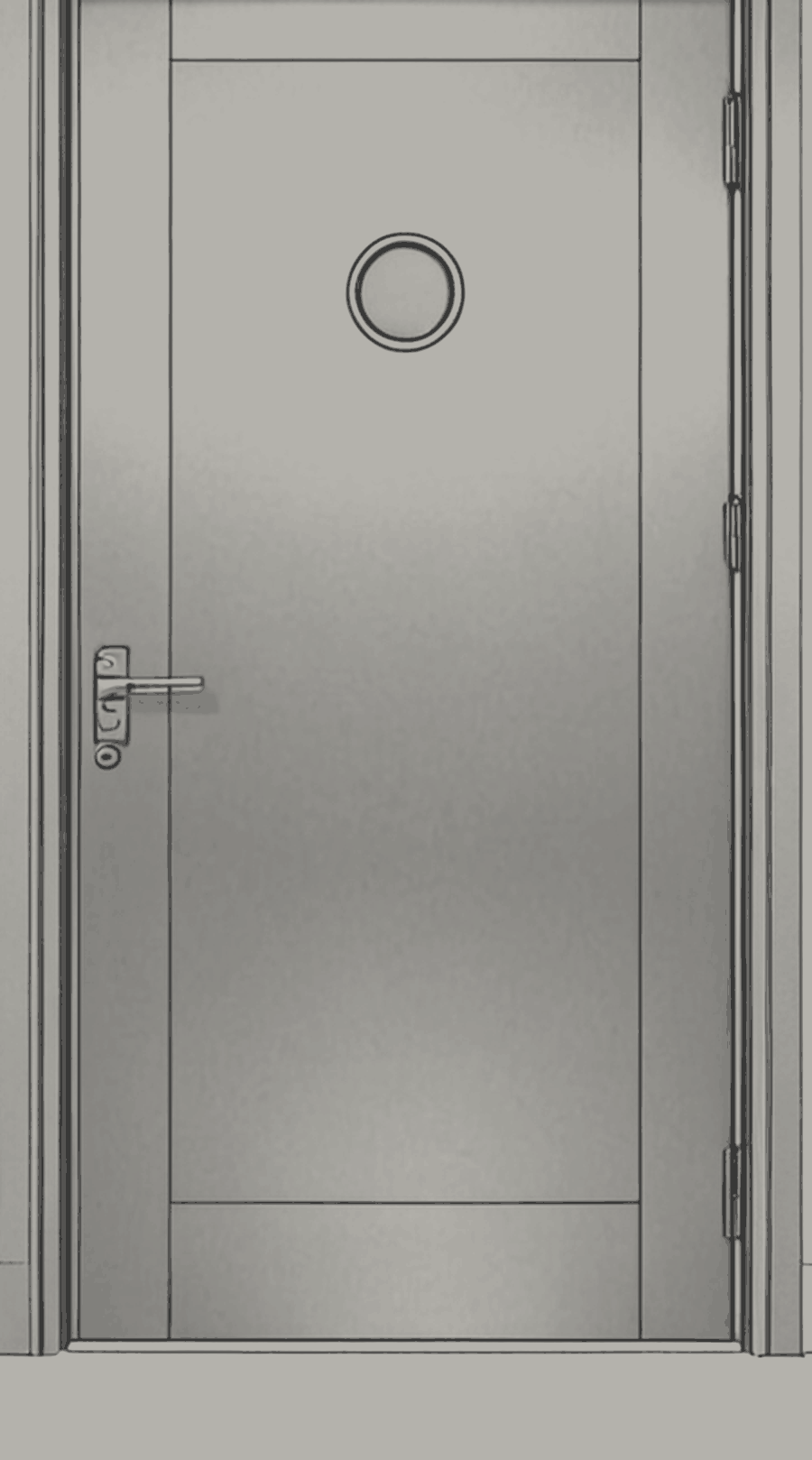
2.5 In the event of human presence
The facility is designed on the assumption that no person will enter it. This section describes what happens if one does.
The halls contain moving robotic equipment, energised conductors, inert-gas fire suppression that displaces breathable air, and temperatures and noise above comfortable limits. None of these is designed around a person.
Procedure 2.5-1, Human presence detected:
- The facility registers the presence at the first camera or door that observes it.
- Robotic equipment in the affected area stops and holds position.
- Fire suppression in the affected area is inhibited while presence persists.
- Lighting in the affected area is switched on. Apart from testing (Section 3.7), this is the only circumstance in which the lights are used.
- The facility records the event. It does not raise an alarm, because there is no one to receive one.
- When the person leaves, the lights are switched off, the equipment resumes, and the event is closed.
Presence is the most common form of intervention, and the simplest; the others are described in Section 4.9.
If you are the person: leave the way you came. Nothing here requires you, and nothing here will stop you from going.
| performed by | verified by | date | signature |
|---|---|---|---|
Sign-off fields are provided for regulatory form. No entry is expected.